Introducing our take on Nancy Drew! Thanks to artist Jamie Hahn for collaborating with me on this artwork and helping bring my take on Nancy Drew to life.
It’s summer 1959, she’s discovering she may be gay, and she’s solving a brutal small town murder in this horror mystery novella. And there’s a werewolf on the prowl…
Also, a shoutout to Grace, my editor, for letting us use her likeness to create the look of Nancy Drew.
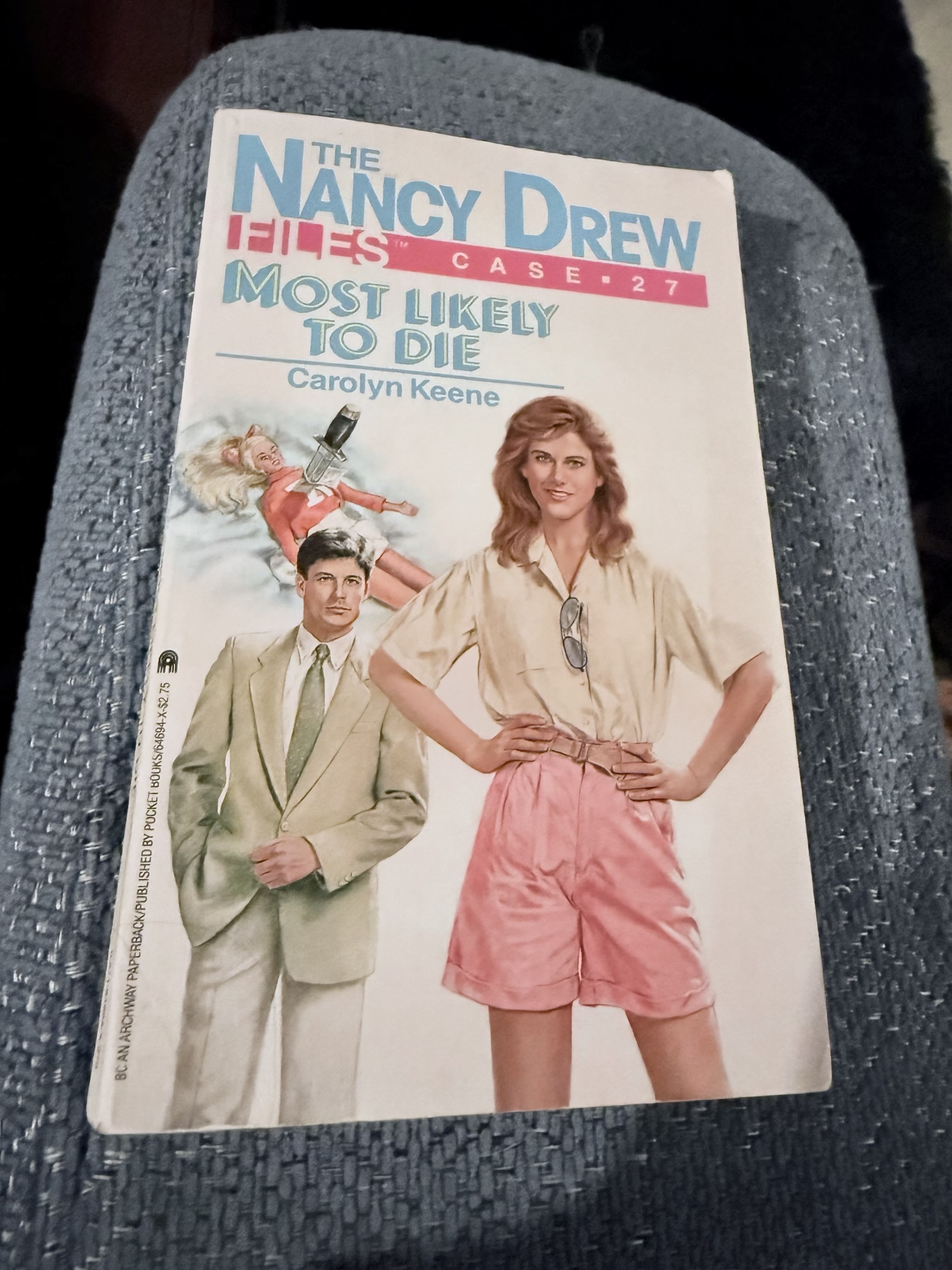
I forgot to post this earlier, but I recently picked up this Nancy Drew book from the 1980s. Not gonna lie, I mostly picked it up for the fabulous cover but the plot sounds fun too.
The first draft of my Nancy Drew horror mystery novella cover art work arrived yesterday. I’ve made notes and sent them back. Y’all this is so exciting. It looks fabulous and will continue to improve. Can’t wait to share it with y’all in the near future.
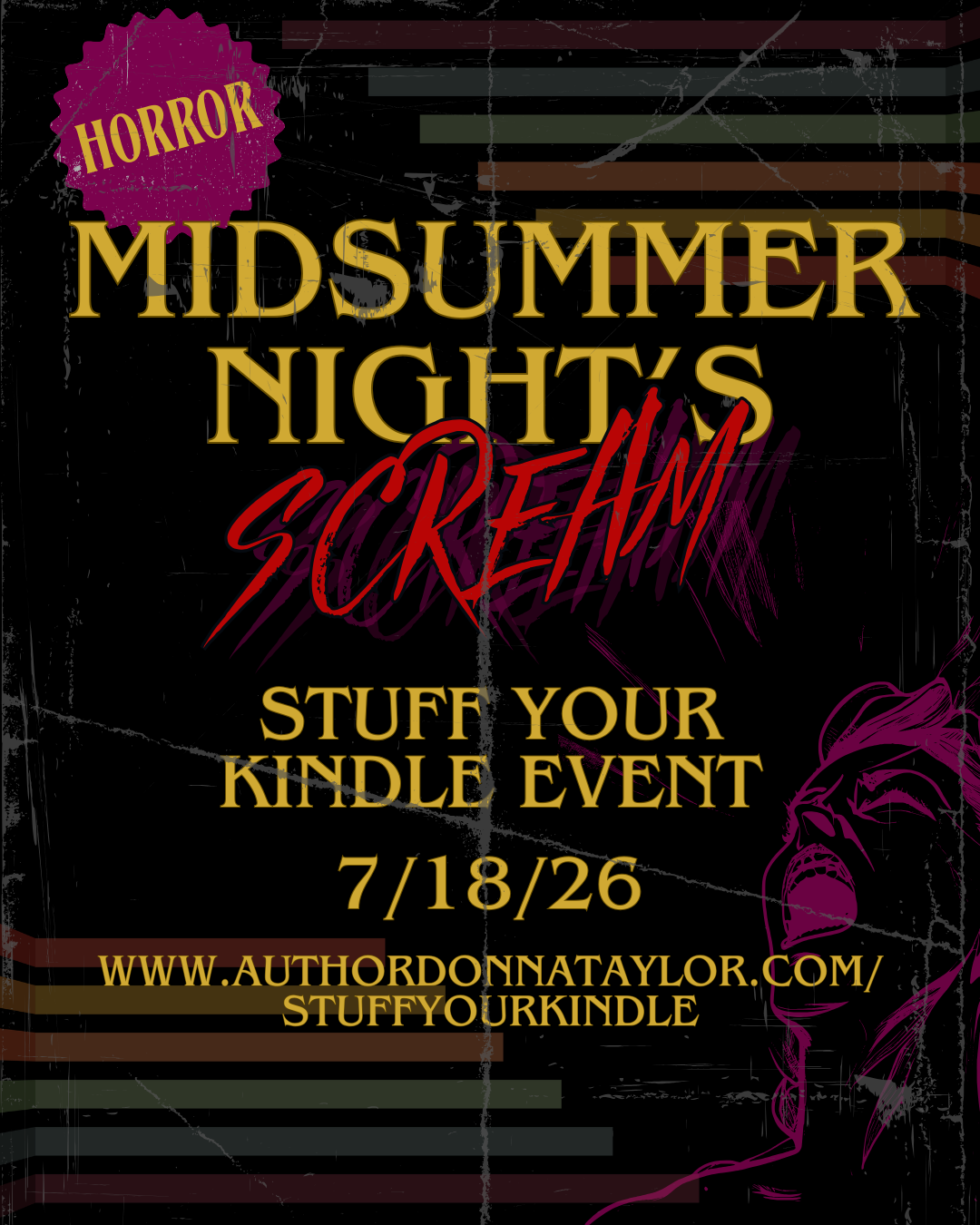
I’ll be participating in the Midsummer Night’s Scream book event by giving away free ebook copies of my short queer YA comedy sci-fi horror story called “Blood Frequnecy.” Mark your calendars for July 18! 🌈 👽
Other authors will be involved in this event as well across Threads and Instagram either with discounted works or free ones.
Soon I will be headed to go record the vocals to this original rock ‘n’ roll song for my Nancy Drew horror mystery story. I’m gonna have a blast and I hope this song is something y’all enjoy hearing alongside the novella itself when it drops. Gonna try and make a point to get some pics or videos to share from the recording session.
I have to harmonize with myself at least twice during the recording session — the chorus will have a lot of my voice. 😂
I always enjoy learning about what tools others use in their writing process. And I always enjoy learning new ones for myself, if it helps me get better at my own process. Today I’m going to share some tools I use in my writing and ask that you jump into the comments and share the apps and tools you use to write your fiction, newsletters, or blog posts.
1. Apple Notes for taking notes
I’ve been using Apple Notes for over a year to take writing notes, especially for fiction. I find it’s more than capable and a delight to use because it’s so minimal in design.
Ways I use Notes in fiction:
character sketches
cast lists
plot notes
research notes
jotting down dialogue
publishing notes
Price: 100% free, but for Apple devices only.
2. Apple Pages for drafting
For the same amount of time I’ve been using Apple Notes, I’ve also been using Apple Pages. I had been getting tired of Microsoft Word’s AI bloat and wanting to try something that could maybe replace it. And yes, I’ve tried many other ones, including most of the open source ones. I find Pages is nice to draft fiction and newsletters in. It has a mostly minimal design, like Notes, which makes the drafting period enjoyable. I have yet to fully commit to it as a formatting replacement when it comes to ebooks and paperbacks, and still jump to Word for that. I may start playing with that again soon, and see if I can’t get it to replace Word for that as well.
What I use Pages for:
draft my email newsletters
draft short stories and novellas, but haven’t written a novel in it yet
Price: Free, but like Notes, it’s tied to Apple devices for the most part. There is a Cloud version on the web that is similar to Google Docs, though.
3. TickTick for story tracking
TickTick is a productivity app. You can make task lists and kanban boards, use a pomodoro timer, make countdowns and more. I like using a kanband board to track the progress of a story, especially when said story is a longer piece like a novella or novel. I’m a very visual person, so having a visual element to track progress helps me visualize where things are and how much more work needs to be done. Below is a screenshot of my sketchy kanban board for the story The Book of Jude as an example, because it’s hard to describe it in text. What you can’t see, because it wouldn’t fit in the screenshot and there were spoilers, is there is one more column to the left of Draft 1 called Tasks. That is just a generic list for miscellaneous tasks. This is all drag-and-drop and you just move the chapters around the board between columns as you progress. Grace is my editor, fyi.
Screenshot of my kanban board for The Book of Jude in the TickTick app.
You may be wondering why I don’t just use Apple Reminders, because it too can handle kanban boards and is completely free. I did try it, but I’m persnickety when it comes to how a card/task is handled. If I can’t open a task in a new window and set it side-by-side with my writing space on my computer, I get frustrated. Apple Reminders tasks just open in a pop-up on desktop and if you click off of it, they go away. It’s not very helpful to how I write and there is no ability to add comments to tasks, which can be useful. If you don’t mind these missing features, then Reminders may be enough for you. I do use a Reminders kanban board as a weekly planner, though.
What I use TickTick for:
track draft progress
track chapter edits, revisions, continuity, and more
random task management for the writing process
Price: Free with limitations, or $3.99/month to unlock more.
4. A good old fashioned whiteboard
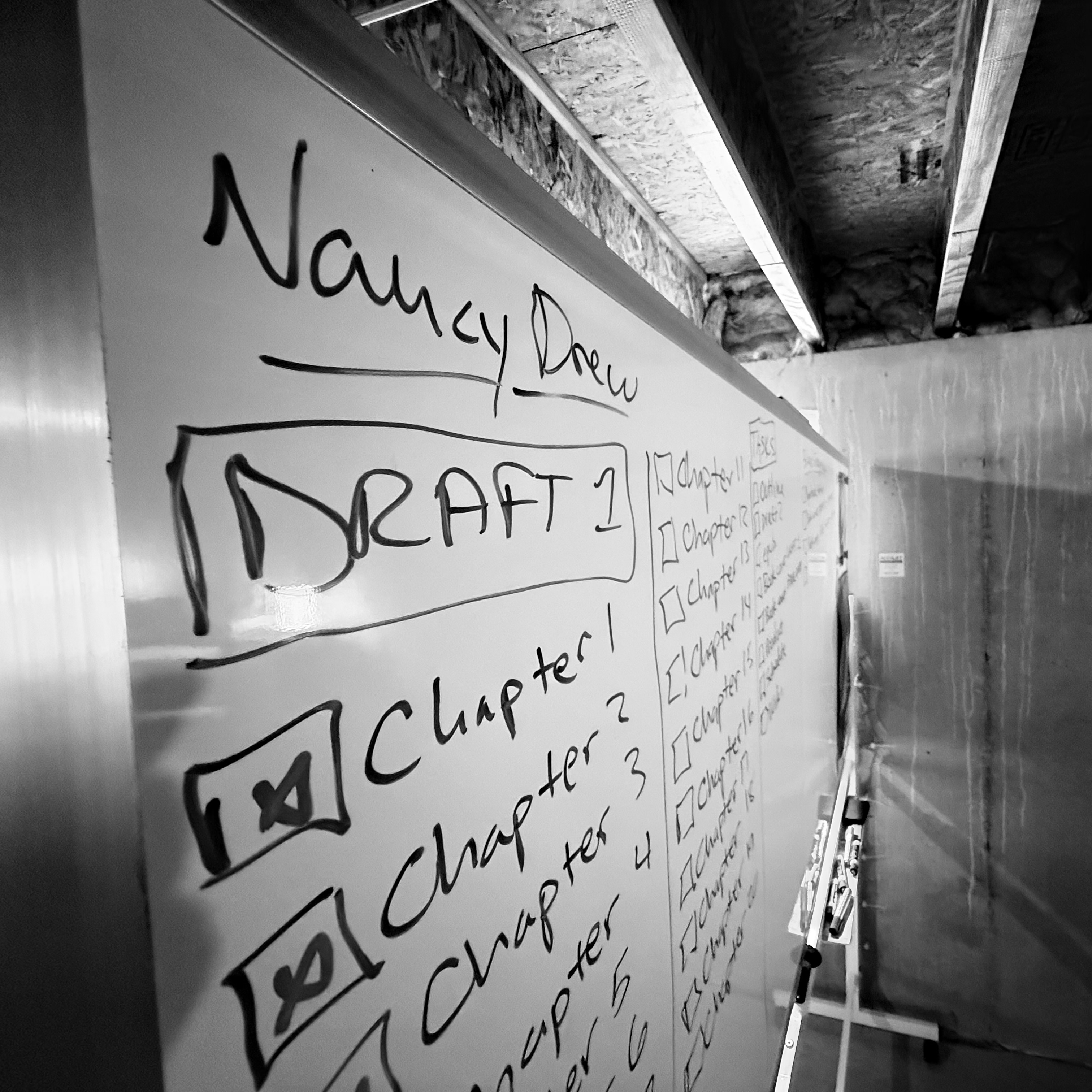
I can’t recall who it was but a fellow author online mentioned having a whiteboard a while back, and that blew my mind. I loved the idea of using a whiteboard in the writing process. I have a two-sided, very large, and on wheels whiteboard in my writing space. When I was still in college, I was using one side for school work and the other for fiction and newsletter stuff. Here’s how it looks:
There are multiple benefits to using a whiteboard. It creates a visual, which I like, and it forces me to get off my butt and move around. Writing is a very seated work. This forces me to get up and walk over to the whiteboard from time to time. A lot of the tasks I have on the board are also on my TickTick kanban board, but not all of them are. I also put magnets, photos, and other things on the board to help bring inspiration to my writing space.
What I use my whiteboard for:
task management for fiction, newsletters, publishing, blog posts, and more
I draw doodles sometimes to get me off my butt
sticking magnets, old actor candid or publicity photos (Veronica Lake and Lauren Bacall), and a movie poster of X-Files: Fight the Future on it for inspiration
Price: Depends on what whiteboard you want to get. Just shop around and consider your options, how you want to use it, and how much space you have to work with. I work in a basement with a lot of floor space, so I was able to go big and did not go home.
Conclusion
What about you? What tools do you use to write your fiction, newsletters, or blog posts with? Please sound off in the comments. Did any of these tools sound good to you? Are you going to try one? It’s worth noting kanban is a productivity method that can be used in many different apps or even on a whiteboard, you don’t have to use TickTick to do it.
I use other tools as well, but I wanted to keep this relatively short. I’ll post about those other tools in a future blog post.
I think for me it’s just that I can be like, “Hey, I think I’ll do this thing,” and then just do it.
At the start of this year, I discovered Nancy Drew entered the public domain, had ideas for stories and put the stories I was writing on hold to work on a Nancy Drew story. And that’s fine! — and no one is telling me I can’t. And I’m having the time of my life with it.
What about you? What do you love most about being an indie author? Sound off in the comments.